Harbor Escape: rules, controls and first steps
Clear the crowded harbor: tap the boats in the right order and fill every freighter.
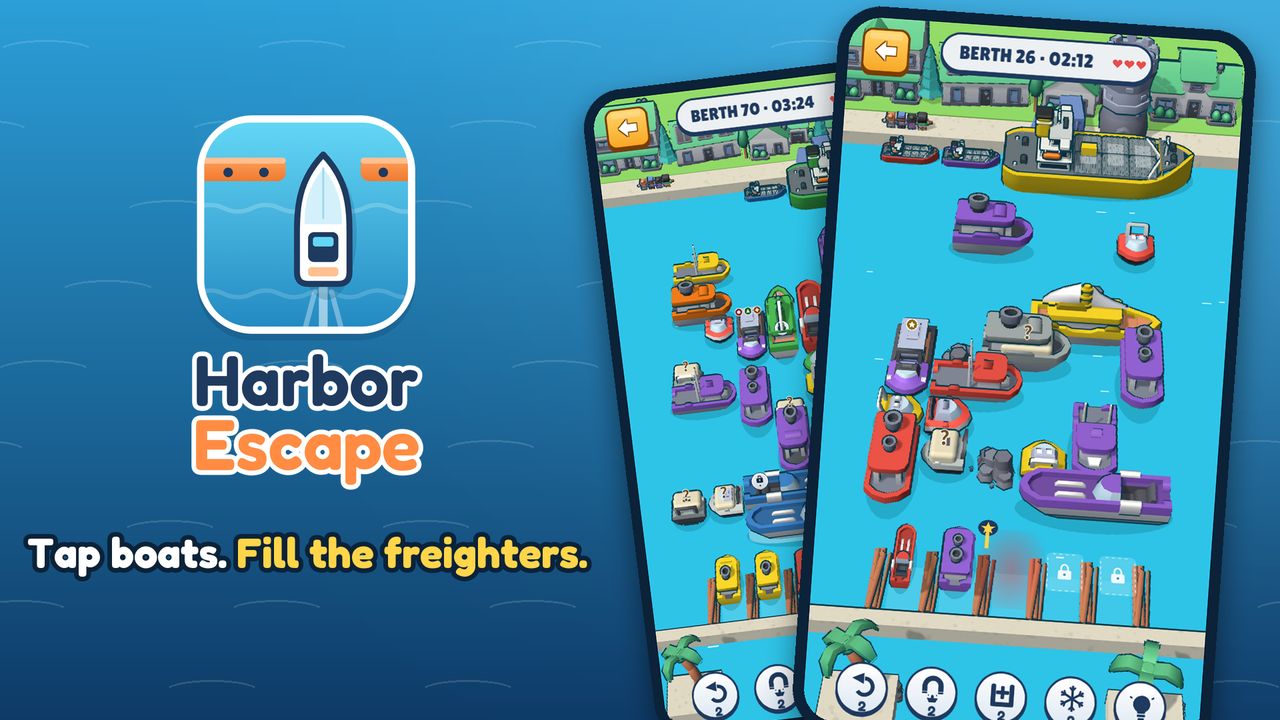
What you play
A 3D boat-sorting puzzle for quick breaks. Tap a boat and it sails straight out: boats that match the waiting freighter's color climb aboard, the rest park in a few berths, and the harbor jams if they fill up. Fog banks, countdown boats and flagship combos keep later chapters fresh, and the stars you earn rebuild the harbor town. Daily challenges, five languages, free to play.
A browser boat puzzle with several modes. The main Berth Sort rules below do not replace the separate rules for Classic, Cargo Match, Rush or Tide Challenge.
Controls
Tap or click a boat with an open sailing lane. Read the waiting freighter and berth spaces before committing a move.
Your first session
- Identify the color of the current freighter, then trace a matching boat’s route to the edge. A visible boat can still be blocked by another boat or obstacle.
- Send matching boats directly to the freighter when possible. A different color needs a free berth, so check capacity before moving it.
- Review special pieces before a chain of moves: locked boats, mystery boats, fog and countdowns can change the order. Use the mode-specific guide when switching modes.
Decisions worth watching
An open lane is only half the decision. Ask where that boat will end up after it sails.
Keep some berth capacity for a move that unlocks the color you need next. Filling every berth with unrelated colors can jam the harbor.
Harbor Escape mode guides
These detailed guides are published on the Harbor Escape site. Choose the rules for the mode you are actually playing.
- Berth Sort: freighters and limited berths
- Classic: blocked lanes and move order
- Harbor Rush: survive and score
- Cargo Match: swaps and ship orders
- Tide Challenge: plan for incoming waves
- Daily Harbor: attempts and streaks
- Special boats and obstacles
- Choose the right booster
- A method for hard levels
- What to check when a level is stuck
- Rebuild your harbor with earned stars
More games and help
Browse the other browser games or choose a player guide. If the game does not load, include its address, your device and the visible error when contacting player support. Game-specific saved progress may depend on browser site data; check before clearing it.