SlingFly guide: improve launches and choose garage upgrades
Diagnose a SlingFly attempt, compare launch changes and choose Power, Bounce, Rocket, Glider or Magnet for a specific problem.
SlingFly rules and controls · Play SlingFly
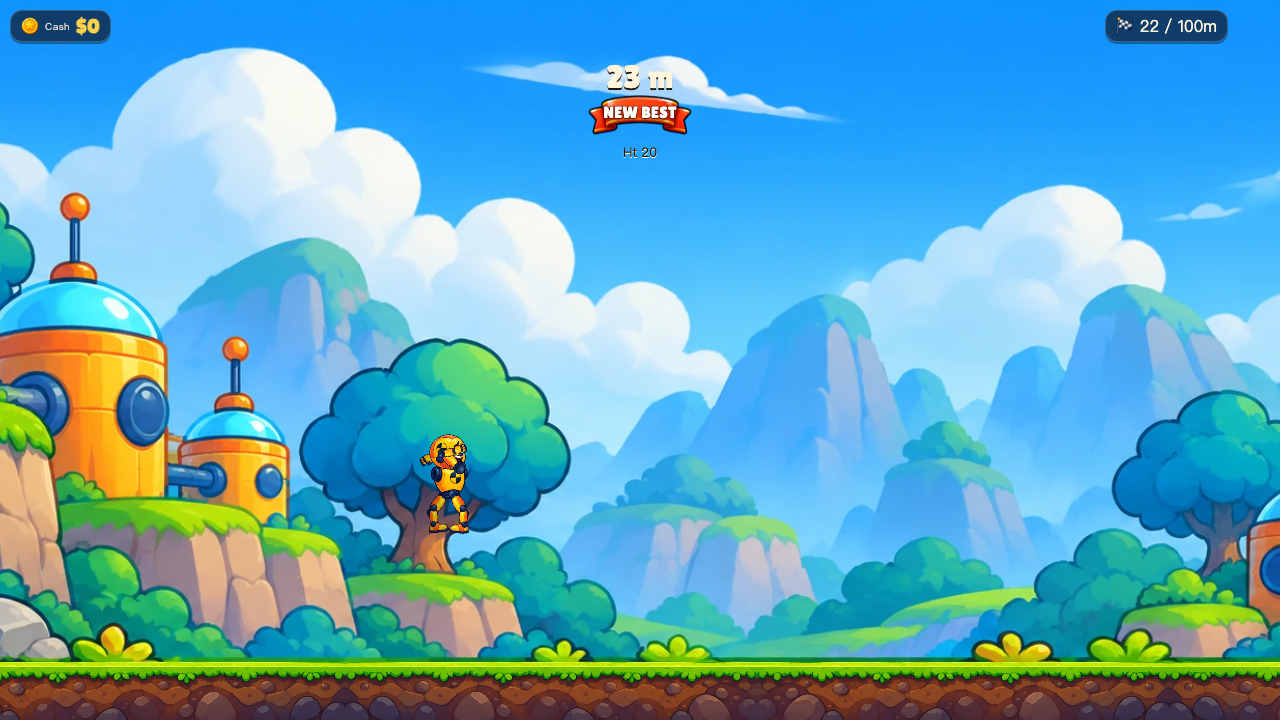
Start with a repeatable launch
Pull back the slingshot, choose a launch direction and release. For the first few attempts, keep the route and upgrades the same. Watch where the dummy rises, where it first lands and what ends the attempt. That gives you a baseline for judging the next change.
More power and more height are not identical to a better route. A high arc can reach a different landing area, while a flatter arc changes the first contact with the ground. Test a small change to the pull or angle, then compare the actual flight. There is no single angle promised to solve every stage.
Read the failure before opening the garage
The result can distinguish stopping short from route hazards such as cactus, sinking sand, water, crane beams, avalanche or a cliff when those stages are available. A cash payout alone does not tell you whether the route was completed.
If a hazard ended a long flight, reproduce the approach and adjust the trajectory. If the dummy simply ran out of useful motion on a safe route, a movement upgrade may be the next experiment. Avoid buying several different upgrades before checking whether one change solved the actual problem.
Match an upgrade to an observation
Power increases launch speed, Bounce changes how the dummy responds to landing, Rocket provides boost, Glider concerns flight, and Magnet helps with coins. Read the garage’s current level and price before purchasing; these are different tools rather than a universal best-buy list.
For example, when learning a route, keep Magnet spending separate from a test of the launch itself. It may help coin collection without proving that you can clear the obstacle that stopped the previous shot. Use the displayed boost control when the current upgrade makes it available.
Compare attempts fairly
After a purchase, retry the same route with a similar launch. Compare the first landing, the end reason and any stage progress, not just the largest number on the result screen. Once that change is understood, make the next adjustment.
The Map and Missions screens show what is unlocked and what a particular challenge asks for. A distance record, a completed mission and a finished stage can be different achievements. Use the requirement shown by the game rather than assuming one replaces the others.
Continue playing
Short physics launches with a garage and a stage map. Available routes and upgrades are shown in the running game.
Try the next attempt in SlingFly. For a different game, browse the guide library. Report a rule that no longer matches the game through player support.