DualHook guide: hang points, rope control and cleaner landings
Use the load shape, centre of mass and actual contact marks to improve a two-rope lift across the two available jobs.
Two lifting jobs with touch controls and a clearer work scene.
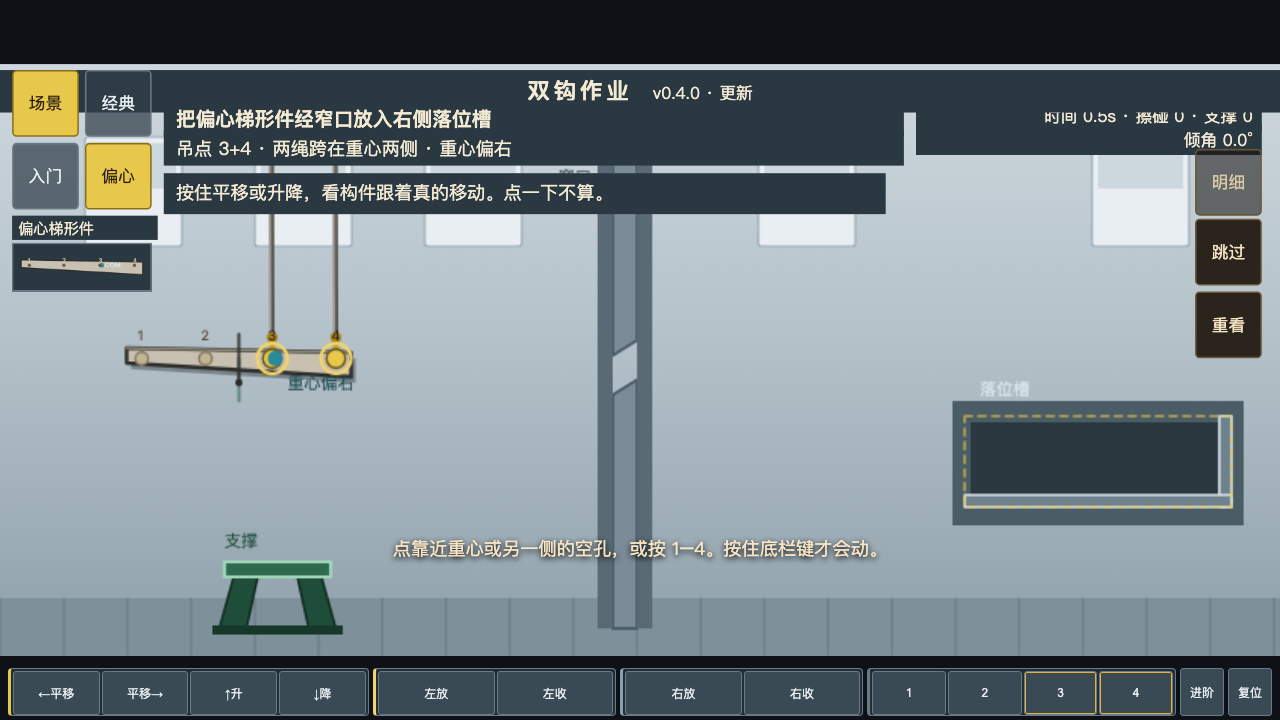
Hold the two rope controls, choose hang points and guide the load into the slot. Portrait framing follows the workpiece; red contact marks show actual collisions. Retry and compare scrape and support costs in the same page.
Two lifting jobs with hang-point choice, two rope controls and a landing slot. Touch and landscape/desktop layouts are available.
Select hang points on the workpiece and hold the two rope controls to change the lift. Watch the center-of-mass and contact indicators.
Changing both ropes without watching the tilt can turn a clearance problem into a collision.
Red contact marks indicate actual collisions. Use them to locate the bad part of the lift rather than guessing from the final pose.
Use the load shape, centre of mass and actual contact marks to improve a two-rope lift across the two available jobs.
Browse the other browser games or choose a player guide. If the game does not load, include its address, your device and the visible error when contacting player support. Game-specific saved progress may depend on browser site data; check before clearing it.