RepairBench walkthrough: diagnose the six fan and lamp cases
Use symptoms, voltage and continuity to choose a repair, then verify the assembled device across the six available jobs.
Inspect, fix and test six short fan and lamp cases.
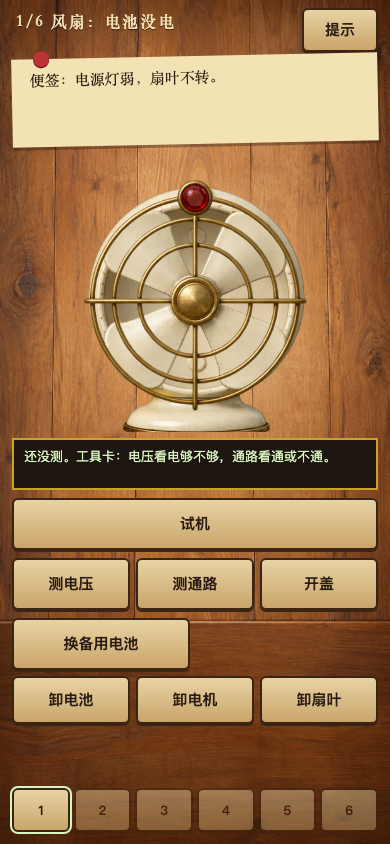
Open the case, use the tools, then test the device across six fan and lamp jobs.
A limited repair workbench with six fan and lamp jobs. The visible job is the authority for which parts and tools are available.
Select the displayed tools and parts, open the device when required, and use Test to check the result.
Test after a specific change so you can connect the new result with that repair.
Keep diagnosis separate from trial-and-error replacement. The available readings help narrow the fault.
Use symptoms, voltage and continuity to choose a repair, then verify the assembled device across the six available jobs.
Browse the other browser games or choose a player guide. If the game does not load, include its address, your device and the visible error when contacting player support. Game-specific saved progress may depend on browser site data; check before clearing it.